

Table of contents:

Even with Chimera, issues arise. Here is a troubleshooting table:

| Issue | Solution | |-------|----------| | Device not detected | Install MediaTek USB VCOM drivers | | Brom mode fails | Try Vol+ or Vol- only; check cable | | Still asks for account | Perform factory reset from recovery after FRP removal | | Security patch too new | Use Chimera’s “Force Brom” or “Auth Bypass” option |

Step 5: Reboot and SetupOnce the log displays "Finished" or "Successfully Processed," disconnect the device. Power on the Redmi 13C. Follow the on-screen setup instructions.

If the phone vibrates and shows the battery icon, you failed. Unplug, power off, and try again. You have less than 2 seconds to connect after plugging in.

Related Articles

Introducing the Hyperliquid trading bot with CEX-grade trading tools!

Redmi 13c Frp Chimera Tool Jun 2026

Even with Chimera, issues arise. Here is a troubleshooting table:

| Issue | Solution | |-------|----------| | Device not detected | Install MediaTek USB VCOM drivers | | Brom mode fails | Try Vol+ or Vol- only; check cable | | Still asks for account | Perform factory reset from recovery after FRP removal | | Security patch too new | Use Chimera’s “Force Brom” or “Auth Bypass” option | Redmi 13c Frp Chimera Tool

Step 5: Reboot and SetupOnce the log displays "Finished" or "Successfully Processed," disconnect the device. Power on the Redmi 13C. Follow the on-screen setup instructions. Even with Chimera, issues arise

If the phone vibrates and shows the battery icon, you failed. Unplug, power off, and try again. You have less than 2 seconds to connect after plugging in. Follow the on-screen setup instructions
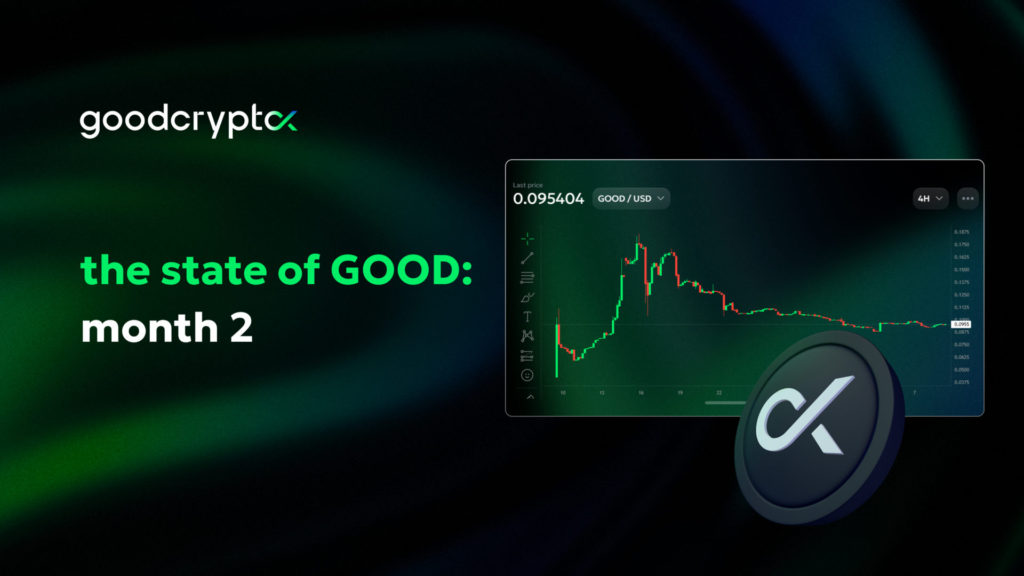
the state of GOOD — month 2

Month 1 was all about going live. Month 2 focused on what’s next - expanding the ecosystem. Now, it’s time to review our interim results.

November 11, 2025

get the app. start trading smarter

All your trades, bots, and portfolio in one place — across CEXs and DEXs

<span>get the app.</span> start trading smarter
